Quick answer
CloudConvert is limited to 25 files/month free. The WebP to JPG Chrome extension is unlimited, faster, and requires no upload.
CloudConvert is popular but its free tier is stingy. Here is how the alternatives compare.
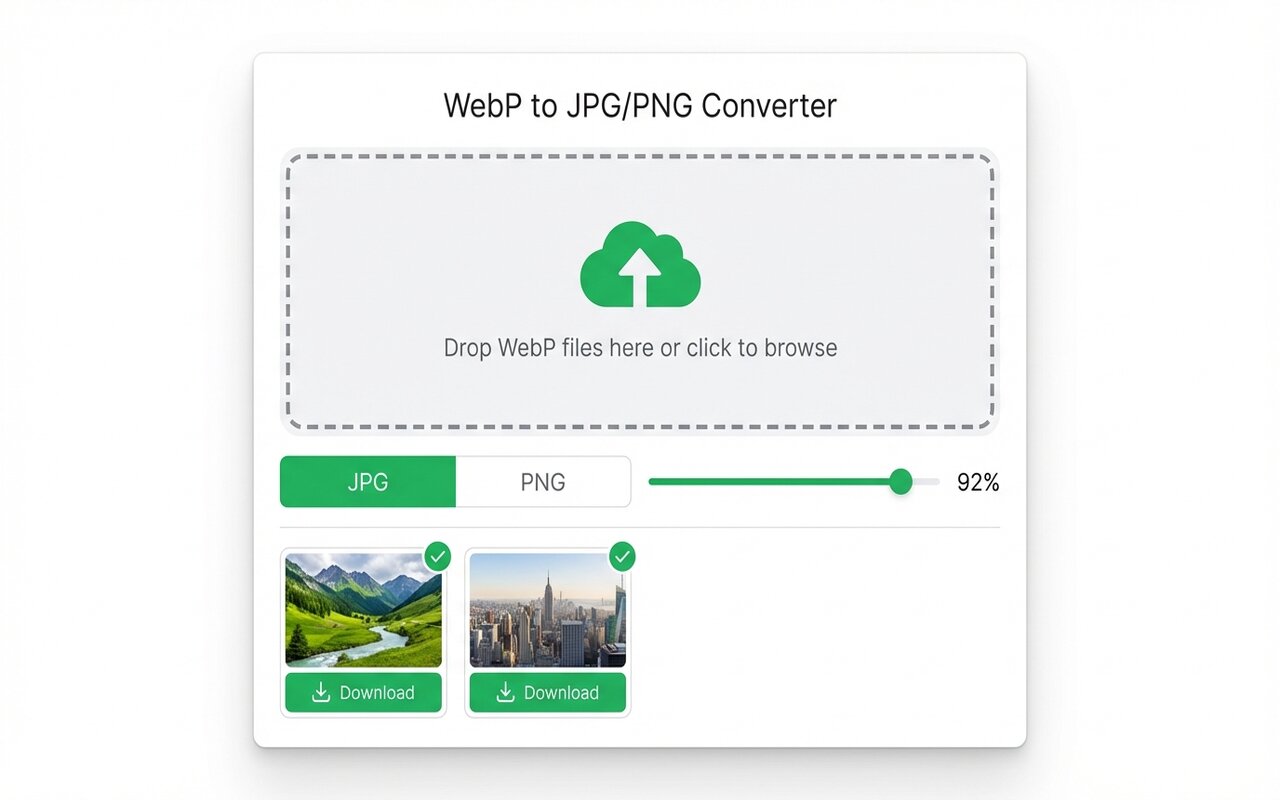
convertwebp.site · WebP to JPG
Drop WebP files here
or click to choose . up to 200 at once
WEBP
banner-hero.webp
Done . 0.9s
WEBP
product-shot.webp
Done . 1.1s
WEBP
icon-pack.webp
82%
3 of 28 converted
0 uploaded
CloudConvert free tier limitations
- 25 conversions per month (less than 1 per day).
- Requires login after first 2 conversions.
- Pro tier: $9.99/month.
iLoveIMG vs CloudConvert
iLoveIMG offers more free conversions (15 per day vs CloudConvert 25 per month) but still limits users. Both upload files to servers.
The Chrome extension: unlimited, no upload
The WebP to JPG Chrome extension has no monthly limits, no upload, and no account required. Best for regular users.
When CloudConvert still makes sense
CloudConvert handles 200+ file types (WebP, DOCX, PDF, video). Use it only if you need format conversions beyond images.
At-a-glance comparison
| Tool | Free limit | Upload | Cost |
|---|---|---|---|
| Chrome extension | Unlimited | No | Free |
| CloudConvert | 25/month | Yes | $9.99/mo Pro |
| iLoveIMG | 15/day | Yes | Free tier |
Frequently asked questions
Is CloudConvert worth paying for?
Only if you need advanced format conversions (video, documents). For images, the free Chrome extension is better.





