Quick answer
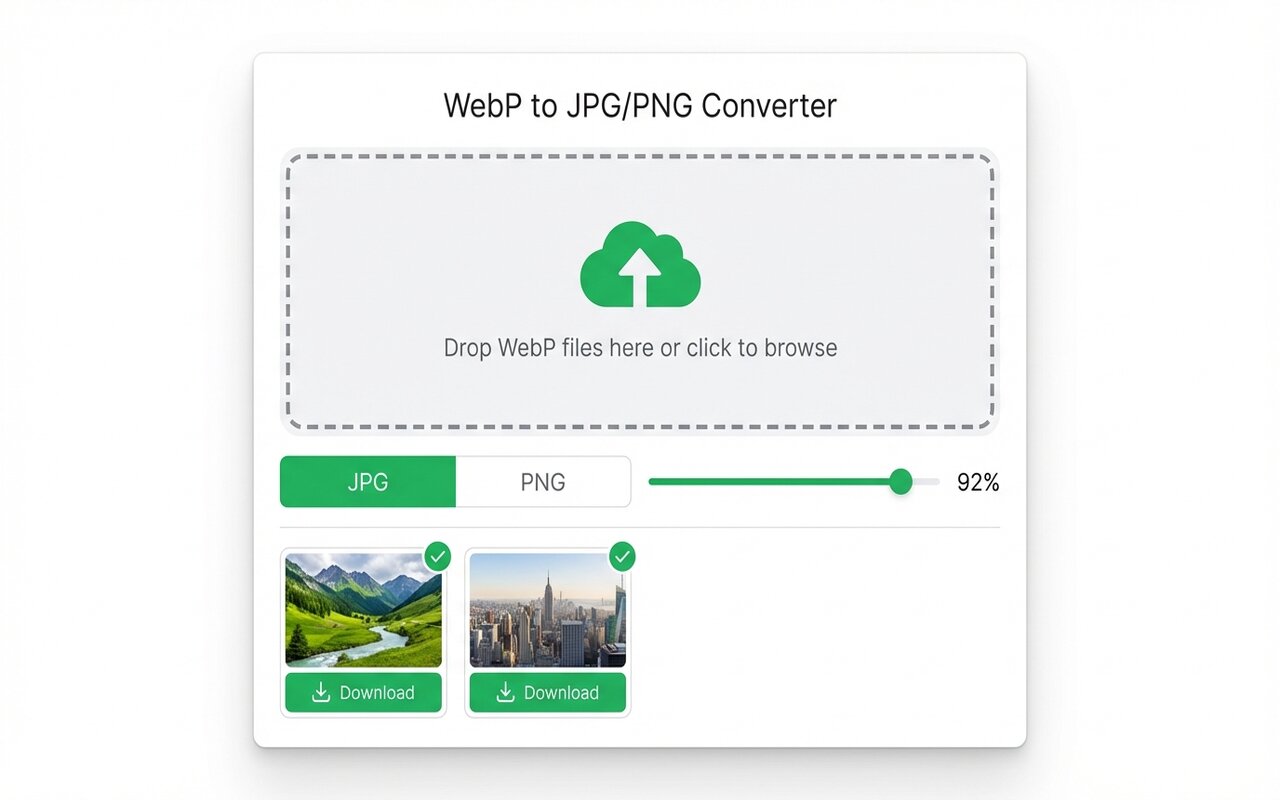
The fastest free way to convert WebP to JPG without uploading is the WebP to JPG Chrome extension. Drop your file, choose quality, and download instantly. No file ever leaves your browser.
Searching "convert WebP to JPG online" returns dozens of upload-and-wait tools. Most cap free users, watermark output, or delay results by minutes. This guide compares the realistic free options and shows the one that converts entirely in your browser.
Why online converters are slow (and where your file goes)
Most "free WebP converter" tools fall into one of two groups:
- Freemium upload tools (CloudConvert, iLoveIMG, Convertio, FreeConvert): your file is sent to their server, processed on their hardware, then deleted after a timeout. You wait for queue time plus processing time.
- Browser-based converters: a small group of Chrome extensions that convert WebP to JPG in JavaScript inside your tab. Your file never leaves the browser.
If "online" means you want to avoid installing software, both approaches work. If "free" also means private, the second group is the only honest answer.
The fastest method: Chrome extension (no upload)
The WebP to JPG Chrome extension converts in your browser:
- Add it from the Chrome Web Store (one click).
- Click the toolbar icon and select "Convert".
- Drag your WebP files into the drop zone.
- Choose quality (90 is usually fine), output format (JPG or PNG), and click Convert and Download.
The conversion happens using libvips-style image libraries compiled to JavaScript. No upload, no watermark, no quality loss (unless you deliberately lower quality for smaller files).
When upload tools still make sense
Be honest about your threat model. If your WebP files are public-facing product images, screenshots, or anything you have already published, uploading them to CloudConvert or iLoveIMG is fine. The free tiers are generous enough for occasional use.
What you should not do:
- Upload confidential screenshots, medical images, or anything covered by NDA or privacy law. Free upload tools rarely guarantee confidentiality.
- Use free upload tools for batch conversions (30+ files). Most cap at 5-10 files per day on free tier.
- Trust "deleted immediately" claims for sensitive images. You cannot verify it.
Quality settings: when to lower compression
The extension defaults to quality 90 (JPG) and lossless PNG. In real use:
- Quality 90 JPG: near-indistinguishable from the original for web use. File size typically 50-70% of the original WebP.
- Quality 75 JPG: still looks good for web images, thumbnails, and social media. File size typically 30-50% of WebP.
- Lossless PNG: identical appearance to the original, but file size often larger than WebP. Only use if you need transparency.
Experiment on one file to find your comfort threshold, then apply the same setting to your batch.
Common gotchas with free online converters
- Queue time: your conversion waits behind dozens of other users on slow servers.
- Watermark or quality reduction below a size threshold (Convertio, some free tools).
- Daily file limit (CloudConvert free tier: 25 files/month, iLoveIMG: 15 per day).
- No batch conversion on free tier: you convert one file at a time.
- Slow over thin Wi-Fi: a 10 MB WebP upload on hotel network takes 2-3 minutes.
The browser extension dodges all five.
At-a-glance comparison
| Tool | Free file limit | Upload required | Watermark | Batch conversion |
|---|---|---|---|---|
| WebP to JPG (extension) | Unlimited | No | No | Yes |
| CloudConvert (web) | 25/month | Yes | No | Limited |
| iLoveIMG (web) | 15/day | Yes | No | Yes |
| Convertio (web) | 2/day | Yes | No (below 100MB) | Limited |
| FreeConvert (web) | 3/day | Yes | No | Limited |





