Quick answer
Animated WebP is 50% smaller than GIF, has better quality, but less browser support. APNG is slightly larger than GIF but more efficient than WebP. GIF is oldest and most supported.
Three formats can be animated: GIF, APNG, and WebP. Here is when to use each.
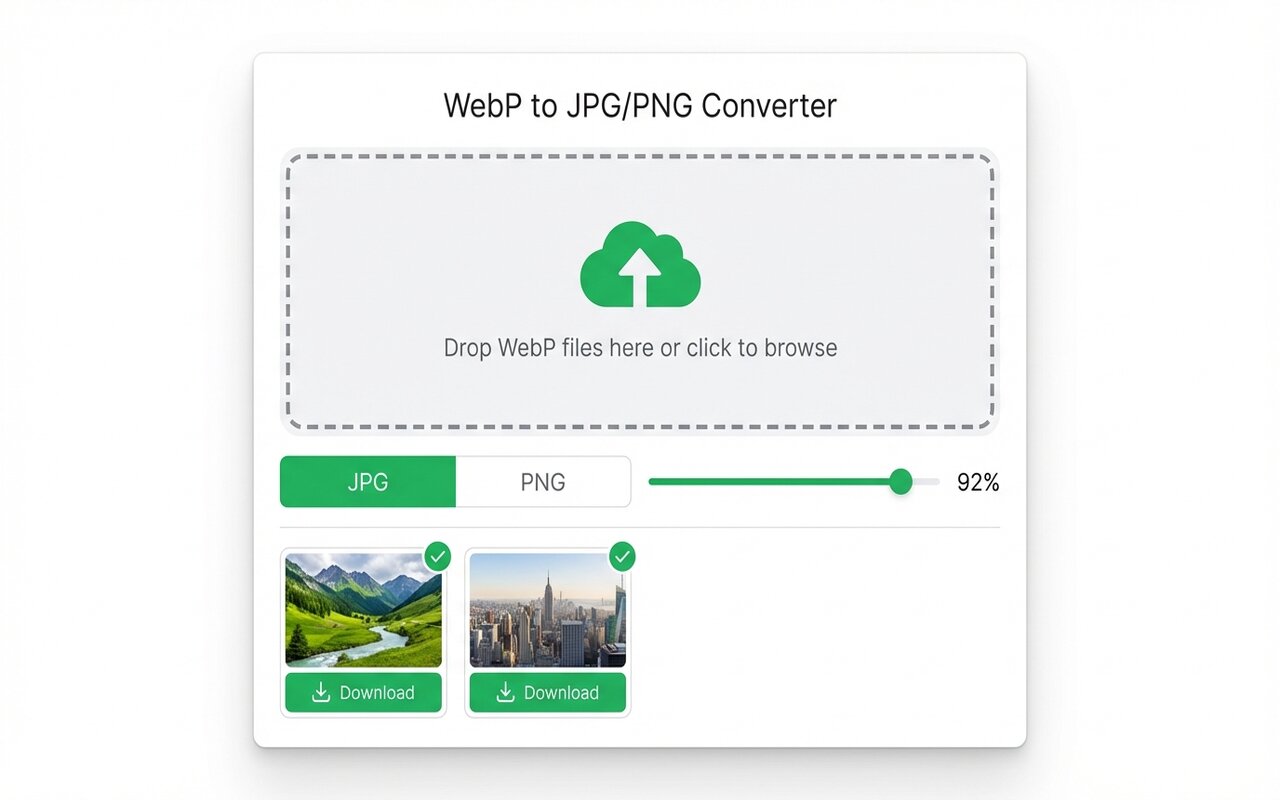
convertwebp.site · WebP to JPG
Drop WebP files here
or click to choose . up to 200 at once
WEBP
banner-hero.webp
Done . 0.9s
WEBP
product-shot.webp
Done . 1.1s
WEBP
icon-pack.webp
82%
3 of 28 converted
0 uploaded
GIF: the legacy format
- File size: large (2-5 MB for a 5-second animation).
- Quality: limited to 256 colors, looks dithered.
- Browser support: 99.9%, works everywhere.
- Best for: simple 2-3 second loops, memes, social media.
APNG: PNG with animation
- File size: smaller than GIF (similar to WebP).
- Quality: full color, looks like PNG frames.
- Browser support: 95% (not Safari 13 and earlier).
- Best for: professional animations that need transparency.
WebP Animation: best compression
- File size: 40-50% smaller than GIF.
- Quality: full color, high quality.
- Browser support: 85-90% (not Safari 15).
- Best for: web, fast loading, high-traffic sites.
Which to use?
For animations on your website:
- Use animated WebP: if you can serve APNG or GIF fallback.
- Use APNG: if browser support matters more than file size.
- Use GIF: if you need universal compatibility or distributing files.
At-a-glance comparison
| Format | File size (5s animation) | Quality | Browser support | Use case |
|---|---|---|---|---|
| WebP animated | 0.5-1 MB | Excellent | 85-90% | Web, fast load |
| APNG | 1-2 MB | Excellent | 95% | Professional animations |
| GIF | 2-5 MB | Limited (256 colors) | 99.9% | Universal compatibility |
Frequently asked questions
Is animated WebP better than GIF?
Yes, 50% smaller and better quality. Use WebP with GIF fallback for best results.
Can I convert GIF to WebP animation?
Yes, most converters support GIF input to WebP animation output.
Does Safari support animated WebP?
Safari 16+ does. Safari 15 and earlier do not.





