Quick answer
WebP lossy (quality 85) is best for photos, saves 60-75% file size vs PNG. WebP lossless is best for graphics with text, saves 25-30% vs PNG. JPG is similar to WebP lossy.
WebP can compress two ways: lossy (like JPG) and lossless (like PNG). Here is when to use each.
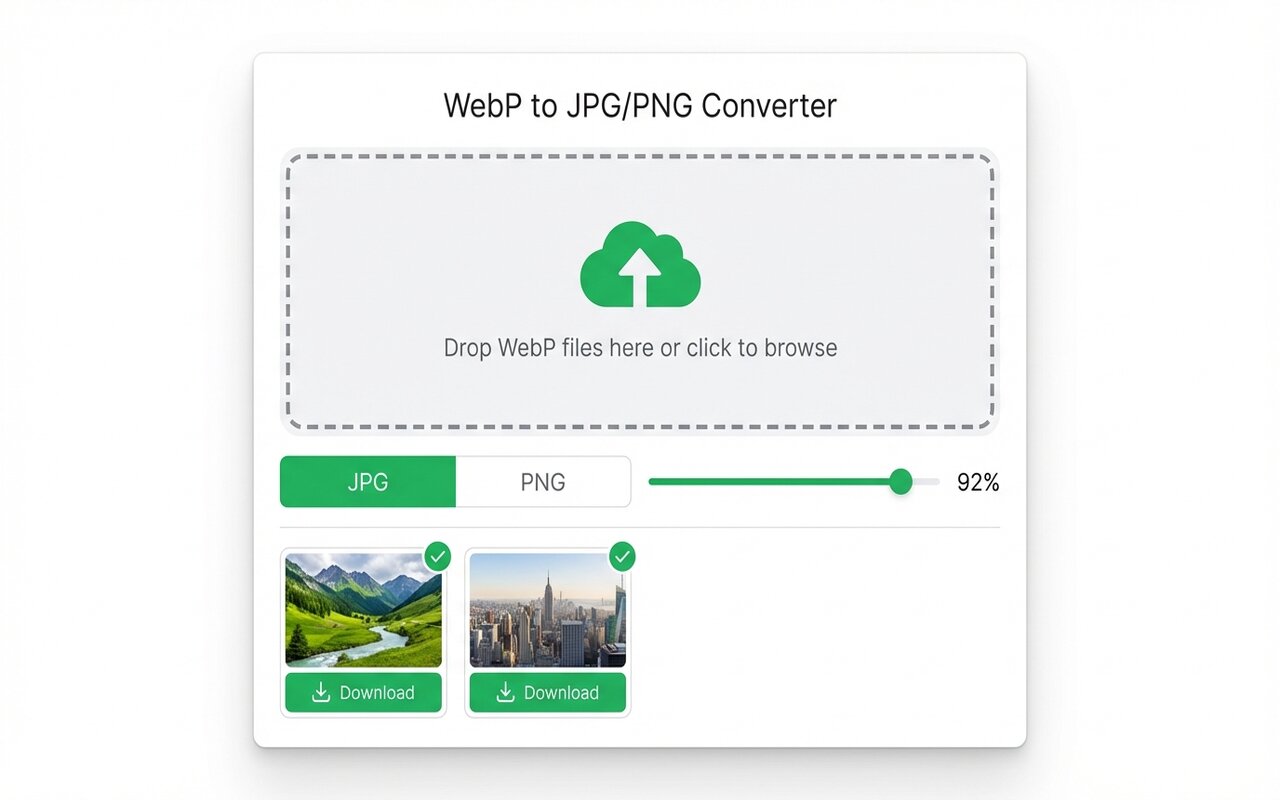
convertwebp.site · WebP to JPG
Drop WebP files here
or click to choose . up to 200 at once
WEBP
banner-hero.webp
Done . 0.9s
WEBP
product-shot.webp
Done . 1.1s
WEBP
icon-pack.webp
82%
3 of 28 converted
0 uploaded
Lossy WebP: like JPG
Lossy WebP removes some color information to shrink file size:
- File size: 60-75% smaller than PNG.
- Quality: imperceptible loss at quality 85-90, visible loss below 70.
- Best for: photographs, product images, artwork.
- Drawback: cannot restore original image perfectly from lossy version.
Lossless WebP: like PNG
Lossless WebP preserves all image data:
- File size: 25-30% smaller than PNG lossless.
- Quality: pixel-perfect, identical to original.
- Best for: graphics, text, logos, anything needing perfect quality.
- Drawback: larger than lossy WebP.
Comparison: JPG vs WebP lossy
WebP lossy and JPG are very similar:
- File size: WebP is typically 10-20% smaller than JPG at the same perceived quality.
- Quality: nearly identical at quality 85-90.
- Use cases: both suitable for photos and artwork.
If you are choosing between JPG and WebP lossy, WebP is slightly better.
Decision tree: which compression to use?
- Photograph or artwork with gradients: use lossy WebP (quality 85) or JPG (quality 85).
- Graphic with text or sharp edges: use lossless WebP or PNG lossless.
- Images with transparency: use lossless WebP or PNG lossless.
- Need maximum compatibility: use JPG or PNG, not WebP.
At-a-glance comparison
| Format | Best for | File size reduction | Quality loss | Browser support |
|---|---|---|---|---|
| WebP lossy | Photos, artwork | 60-75% vs PNG | Imperceptible at 85 | 97% |
| JPG lossy | Photos, artwork | 60-70% vs PNG | Imperceptible at 85 | 99.9% |
| WebP lossless | Graphics, text | 25-30% vs PNG | None (lossless) | 97% |
| PNG lossless | Graphics, text | Baseline | None (lossless) | 99.9% |
Frequently asked questions
Should I use lossy or lossless WebP?
Lossy for photos (quality 85), lossless for graphics with text.
Is WebP lossy quality 85 good enough?
Yes, imperceptible to human eyes for most images.
What is the difference between WebP lossy and JPG?
WebP is typically 10-20% smaller at the same quality. Quality is nearly identical.





