Quick answer
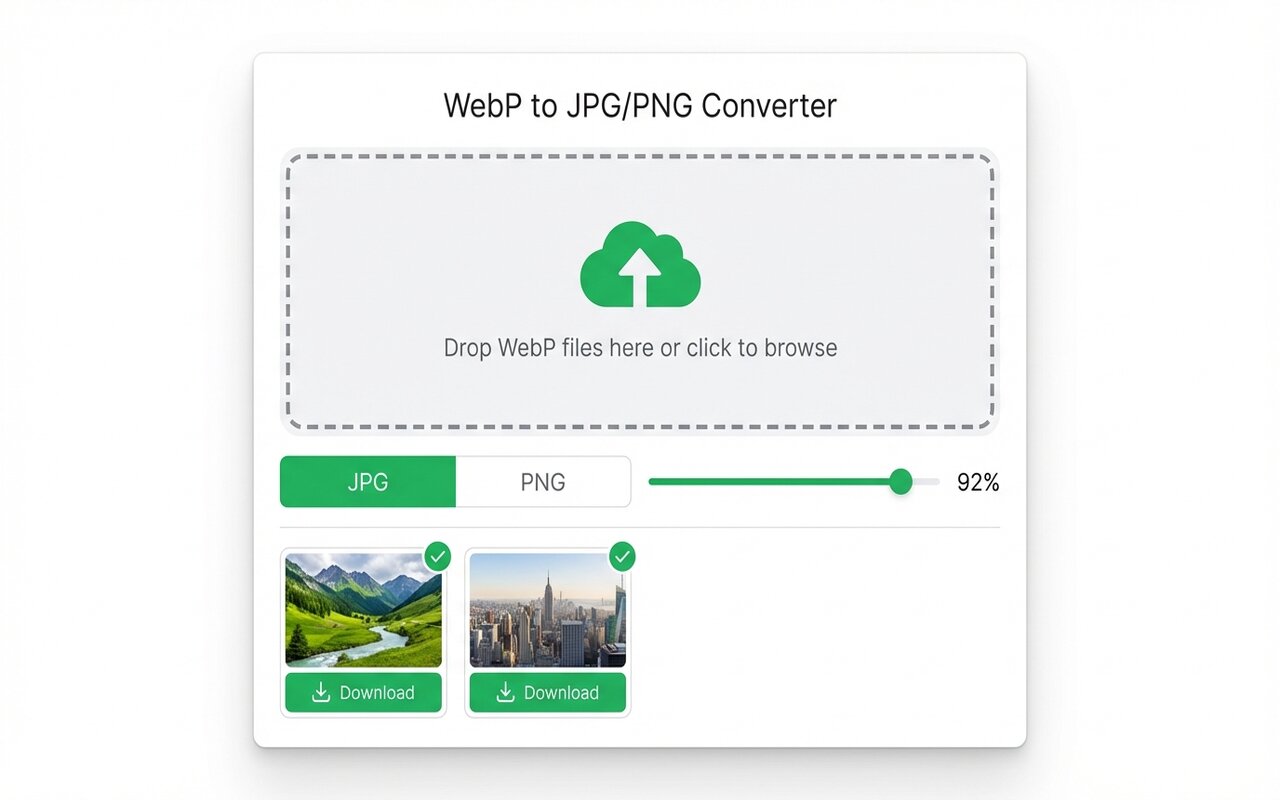
Email clients (especially Outlook) do not support WebP. Convert to JPG using the Chrome extension before sending.
Outlook, Gmail, and other email clients have mixed WebP support. JPG is the safe choice.
convertwebp.site · WebP to JPG
Drop WebP files here
or click to choose . up to 200 at once
WEBP
banner-hero.webp
Done . 0.9s
WEBP
product-shot.webp
Done . 1.1s
WEBP
icon-pack.webp
82%
3 of 28 converted
0 uploaded
WebP support in email clients
- Outlook (Windows): does not support WebP.
- Outlook (Mac, 2019+): may support WebP (untested).
- Gmail: supports WebP in modern browsers.
- Apple Mail: supports WebP on modern versions.
To be safe, always use JPG for email attachments or embedded images.
Converting before emailing
- Convert WebP to JPG using the Chrome extension.
- Attach the JPG to your email.
- Send normally.
Frequently asked questions
Will Outlook display WebP images?
Outlook Windows does not. Use JPG instead.
What is the best format for email attachments?
JPG is safest. PNG works too, but is larger. Never use WebP for email.





