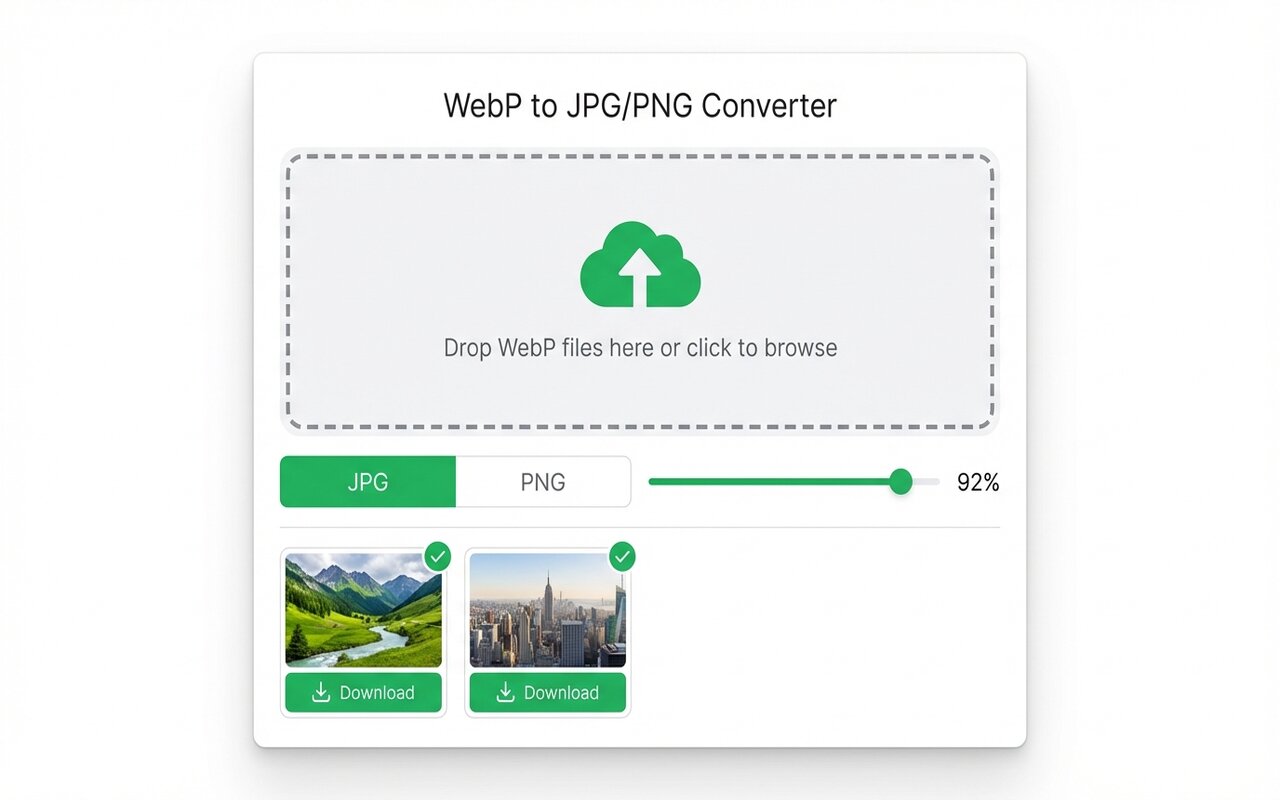
Quick answer
PowerPoint does not support WebP. Convert to JPG using the WebP to JPG Chrome extension, then insert the JPG into your presentation.
PowerPoint 2019 and 2021 do not recognize WebP format. Converting to JPG first is the easiest solution.
convertwebp.site · WebP to JPG
Drop WebP files here
or click to choose . up to 200 at once
WEBP
banner-hero.webp
Done . 0.9s
WEBP
product-shot.webp
Done . 1.1s
WEBP
icon-pack.webp
82%
3 of 28 converted
0 uploaded
Why PowerPoint does not support WebP
Microsoft Office was built before WebP became common. Newer versions of Office 365 may add WebP support, but traditional PowerPoint does not include it.
Solution: convert to JPG first
- Use the WebP to JPG Chrome extension to convert your images.
- In PowerPoint, Insert > Pictures, and select the converted JPG.
- Continue building your presentation.
Batch converting before inserting
If your presentation needs 20+ images:
- Collect all WebP images in one folder.
- Batch convert using the Chrome extension.
- Download the ZIP and extract to a folder.
- Insert all JPGs into PowerPoint at once.
At-a-glance comparison
| Format | PowerPoint support | Recommended |
|---|---|---|
| JPG | Yes | Yes |
| PNG | Yes | Yes (if transparency needed) |
| WebP | No | Convert to JPG first |
Frequently asked questions
Can I insert WebP directly into PowerPoint?
Not in PowerPoint 2019/2021. Convert to JPG first.
What is the best format for PowerPoint images?
JPG for photos, PNG for graphics with transparency.





