Quick answer
For printing, convert WebP to JPG at quality 90 or higher. JPG is more widely supported in print software than WebP.
Print shops expect JPG or TIFF, not WebP. Here is how to prepare WebP images for print.
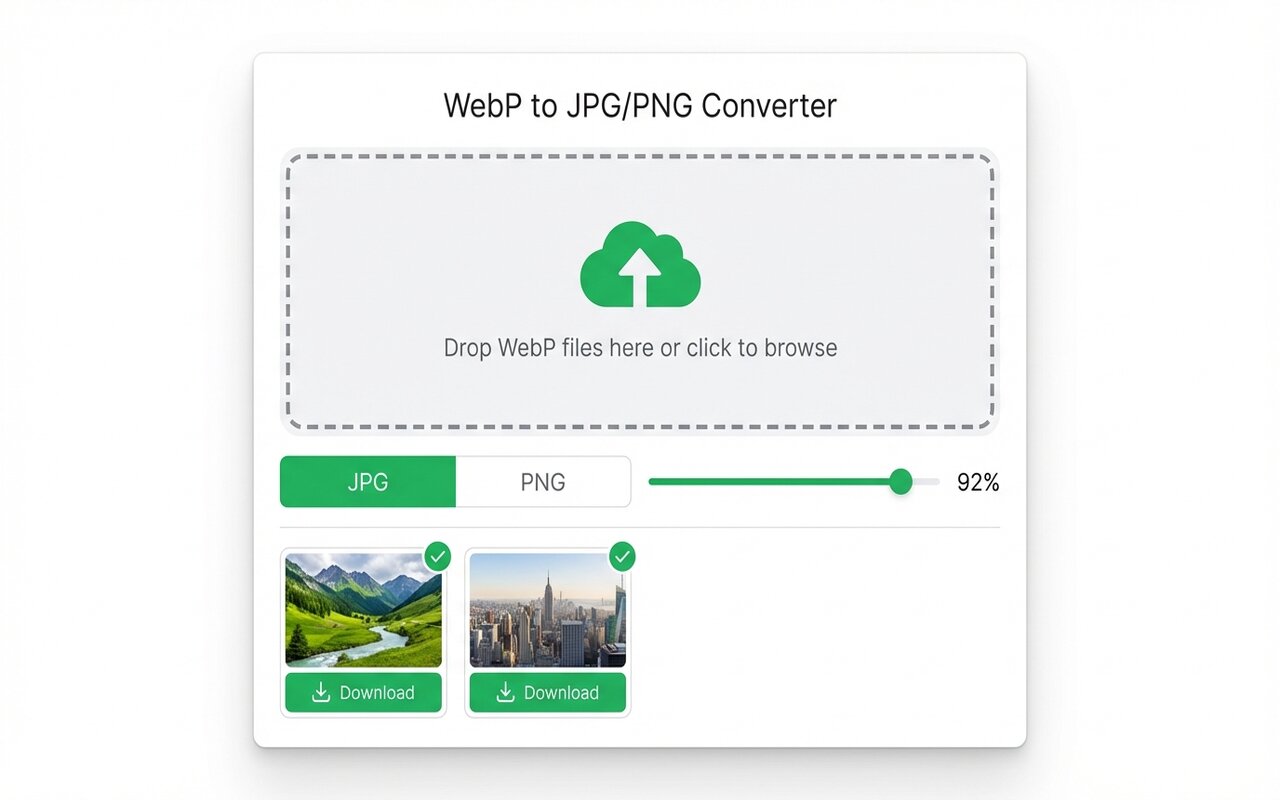
convertwebp.site · WebP to JPG
Drop WebP files here
or click to choose . up to 200 at once
WEBP
banner-hero.webp
Done . 0.9s
WEBP
product-shot.webp
Done . 1.1s
WEBP
icon-pack.webp
82%
3 of 28 converted
0 uploaded
Why print software does not recognize WebP
Print software (Lightroom, print shop software) was developed before WebP existed. JPG is the industry standard.
Quality settings for printing
For print quality, use JPG quality 95 or convert to TIFF instead:
- Quality 95 JPG: acceptable for most prints up to 11x14 inches.
- Quality 98-99 JPG: professional print quality.
- TIFF: lossless, but large file size, preferred by professional print shops.
Color space matters for printing
Print shops often want CMYK color space, but RGB JPG is usually converted automatically. Ask your print shop about color profile requirements before exporting.
At-a-glance comparison
| Format | Print shop compatibility | File size | Quality |
|---|---|---|---|
| JPG (90-95) | Universal | Small | Good for prints up to 11x14 |
| JPG (98-99) | Universal | Medium | Professional print quality |
| PNG | Limited | Large | Good |
| TIFF | Professional | Very large | Perfect (lossless) |
| WebP | Not supported | Small | Good (but not supported) |
Frequently asked questions
What DPI do I need for printing?
300 DPI is standard for quality prints. Image dimensions matter more than format.
Can I print WebP directly?
No print shop software supports WebP. Convert to JPG or TIFF first.





