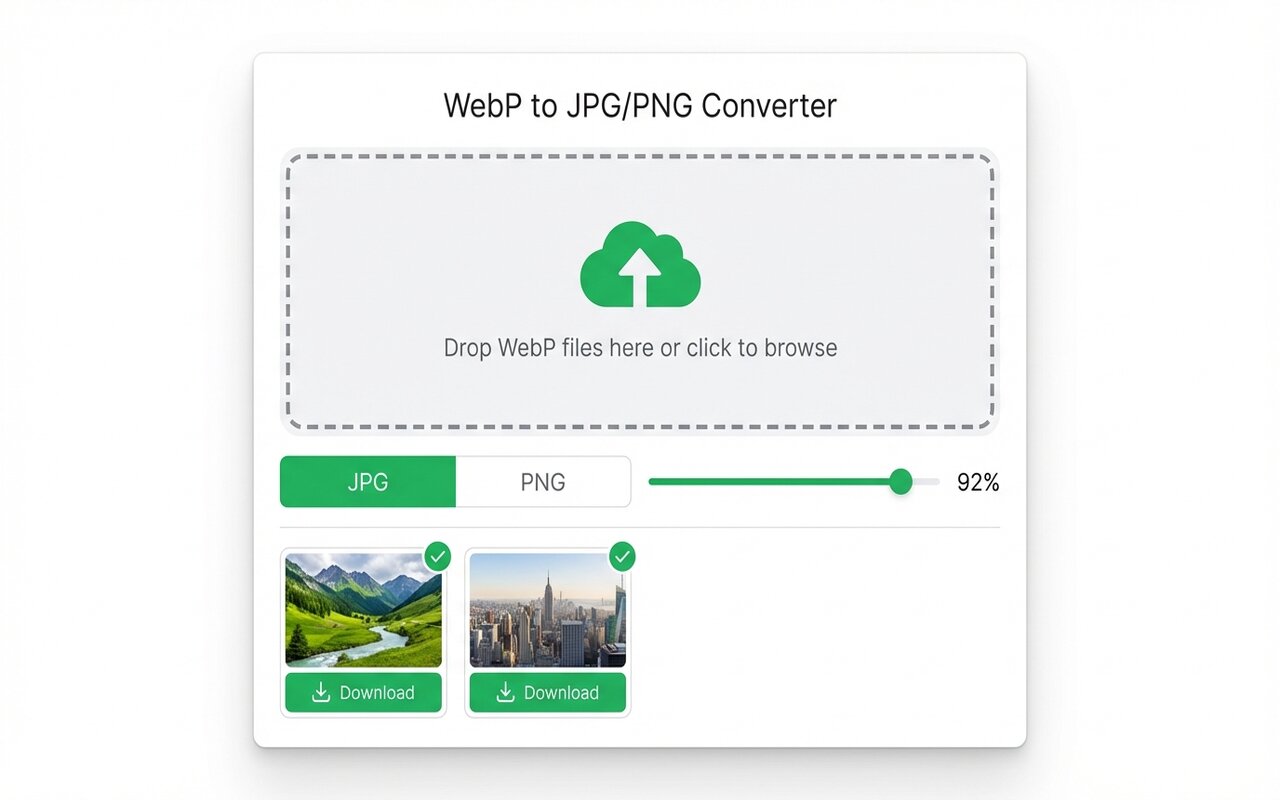
Quick answer
Word does not support WebP. Convert to JPG using the Chrome extension, then insert the JPG into your document.
Like PowerPoint, Microsoft Word does not recognize WebP format.
convertwebp.site · WebP to JPG
Drop WebP files here
or click to choose . up to 200 at once
WEBP
banner-hero.webp
Done . 0.9s
WEBP
product-shot.webp
Done . 1.1s
WEBP
icon-pack.webp
82%
3 of 28 converted
0 uploaded
Why Word does not recognize WebP
Word predates WebP adoption and does not include WebP codecs in its image handling.
Convert to JPG and insert
- Convert WebP to JPG using the Chrome extension.
- In Word, Insert > Pictures, select the JPG.
At-a-glance comparison
| Format | Word support |
|---|---|
| JPG | Yes |
| PNG | Yes |
| WebP | No |
Frequently asked questions
What image formats does Word accept?
JPG, PNG, GIF, BMP, TIFF. Not WebP.





