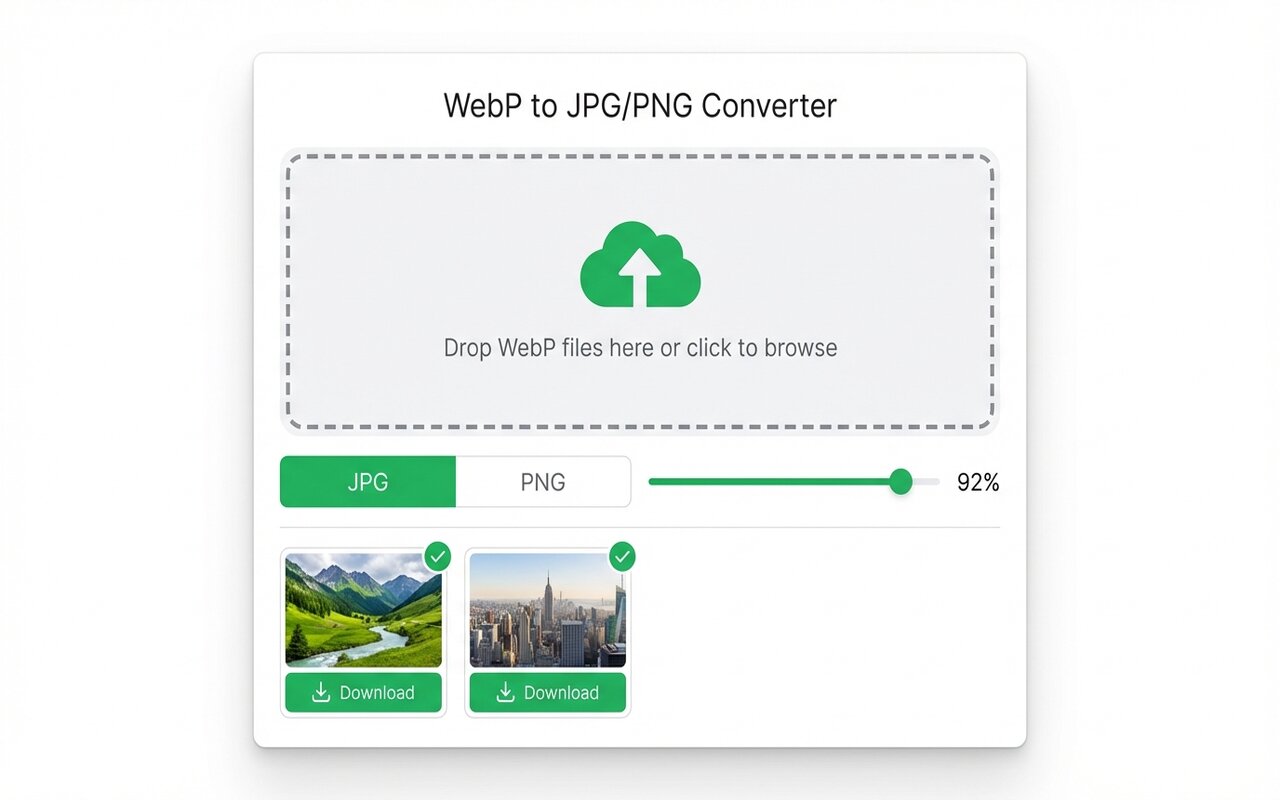
Quick answer
WebP supports full 24-bit transparency like PNG. Modern browsers (Chrome, Firefox, Edge, Safari 16+) display transparent WebP correctly. Older browsers may not, so PNG fallback is recommended.
Both WebP and PNG support transparency, but support varies by browser. Here is what you need to know.
convertwebp.site · WebP to JPG
Drop WebP files here
or click to choose . up to 200 at once
WEBP
banner-hero.webp
Done . 0.9s
WEBP
product-shot.webp
Done . 1.1s
WEBP
icon-pack.webp
82%
3 of 28 converted
0 uploaded
How transparency works in WebP
WebP can be:
- Opaque: no transparency, smaller file.
- Transparent (lossless): full 24-bit alpha channel, pixel-perfect, larger file than opaque.
- Transparent (lossy): alpha channel with compression, smaller than lossless but may introduce color shifts near edges.
For images with transparency, PNG lossless is safest. WebP lossless is fine if you accept slightly larger files.
Browser support for transparent WebP
- Chrome, Firefox, Edge, Opera: full support since 2015-2020.
- Safari: supported since version 16 (Sept 2022).
- Older Safari (15 and earlier): no support, displays as solid color instead of transparent.
- Outlook: does not support WebP at all.
Safe approach: PNG fallback
For images with transparency, use:
<picture>
  <source srcset="image.webp" type="image/webp">
  <img src="image.png" alt="description">
</picture>
Modern browsers load WebP, older browsers load PNG. Best of both worlds.
When to choose PNG over WebP
- Distributing files to people with unknown software.
- Printing (PNG is more widely supported in print software).
- Email (outlook does not support WebP).
- Need guaranteed lossless transparency.
At-a-glance comparison
| Format | Transparency support | File size (transparent) | Browser support |
|---|---|---|---|
| WebP lossless | Full 24-bit | Medium | 97% (not Safari 15) |
| WebP lossy | Full 24-bit (compressed) | Small | 97% |
| PNG | Full 24-bit (lossless) | Large | 99.9% |
Frequently asked questions
Does WebP transparency work in all browsers?
No, older Safari (15 and earlier) does not support it. Use PNG fallback for universal compatibility.
Is transparent WebP smaller than transparent PNG?
Usually 20-30% smaller. PNG is lossless only.
Can I use transparent WebP in emails?
Not reliably. Outlook does not support WebP. Use PNG instead.





