Quick answer
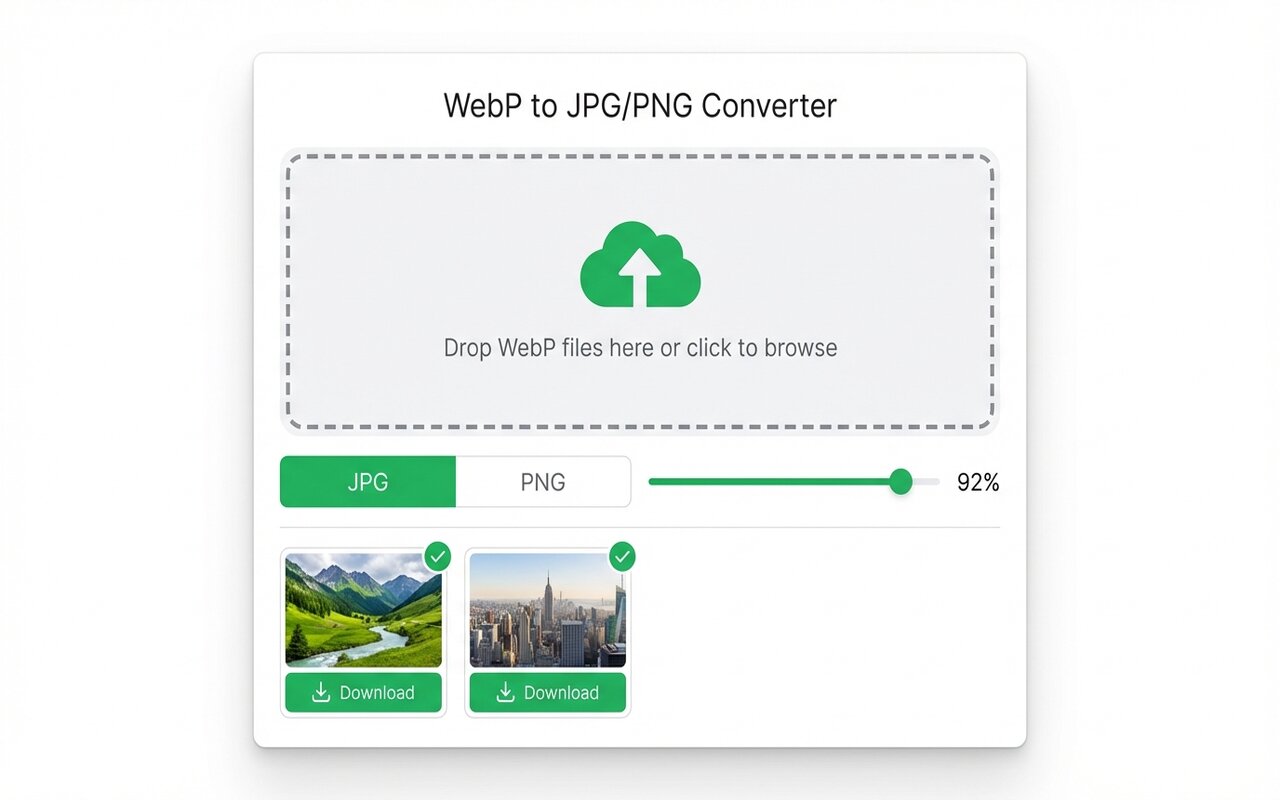
The fastest way to convert WebP to PNG without losing quality is the WebP to JPG Chrome extension set to PNG format. Drop your file, choose PNG output, and download instantly. No upload, no watermark.
WebP and PNG both support transparency, but PNG is more compatible with older software and email clients. Converting between them is lossless and takes seconds.
WebP vs PNG: which to use?
Both formats support transparency. The difference:
- WebP: newer format, smaller file size (typically 30% smaller than PNG for the same image), not fully supported by Outlook or older browsers.
- PNG: older format, larger file size, universally supported everywhere including Outlook, printing software, and legacy systems.
Convert to PNG if you need compatibility. Convert from PNG to WebP if you want smaller file sizes.
Method 1: Chrome extension (recommended)
Fastest and simplest:
- Install the WebP to JPG Chrome extension.
- Click the toolbar icon and select "Convert".
- Drag your WebP files into the drop zone.
- Choose PNG in the Format dropdown, then click Convert and Download.
No upload, no watermark, no account needed.
Method 2: macOS Preview
Apple's built-in tool:
- Right-click the WebP file, select Open With > Preview.
- File > Export As, change format to PNG, and save.
Works on any Mac. To preserve transparency, make sure "Alpha channel" is checked.
Method 3: Windows Photos app
Windows 10+ built-in:
- Right-click the WebP file, select Open With > Photos.
- Click the three-dot menu, select Save a Copy.
- Change format to PNG (24-bit) and save.
This preserves transparency.
Transparency and PNG quality
When converting WebP to PNG, check:
- Original WebP has transparency? The PNG output will preserve it (PNG always supports alpha channels).
- File size larger than expected? PNG is lossless and usually larger than WebP for the same image. This is normal.
- Color looks slightly different? Sometimes color space conversion between formats causes tiny shifts. If it matters, use Photoshop instead of a free converter.
At-a-glance comparison
| Tool | Transparency preserved | Upload required | Batch conversion | Cost |
|---|---|---|---|---|
| WebP to JPG (extension) | Yes | No | Yes | Free |
| macOS Preview | Yes | No | No | Built-in |
| Windows Photos app | Yes | No | No | Built-in |
| CloudConvert | Yes | Yes | Yes (limited) | Free tier |
| Photoshop | Yes | No | Yes | $14.99/mo |





