Quick answer
Use the WebP to JPG Chrome extension to batch convert and reduce file sizes. 100 WebP images convert to JPG in under 1 minute, saving 50-70% disk space.
Optimizing a folder of images means both format conversion and compression. Here is the fastest workflow.
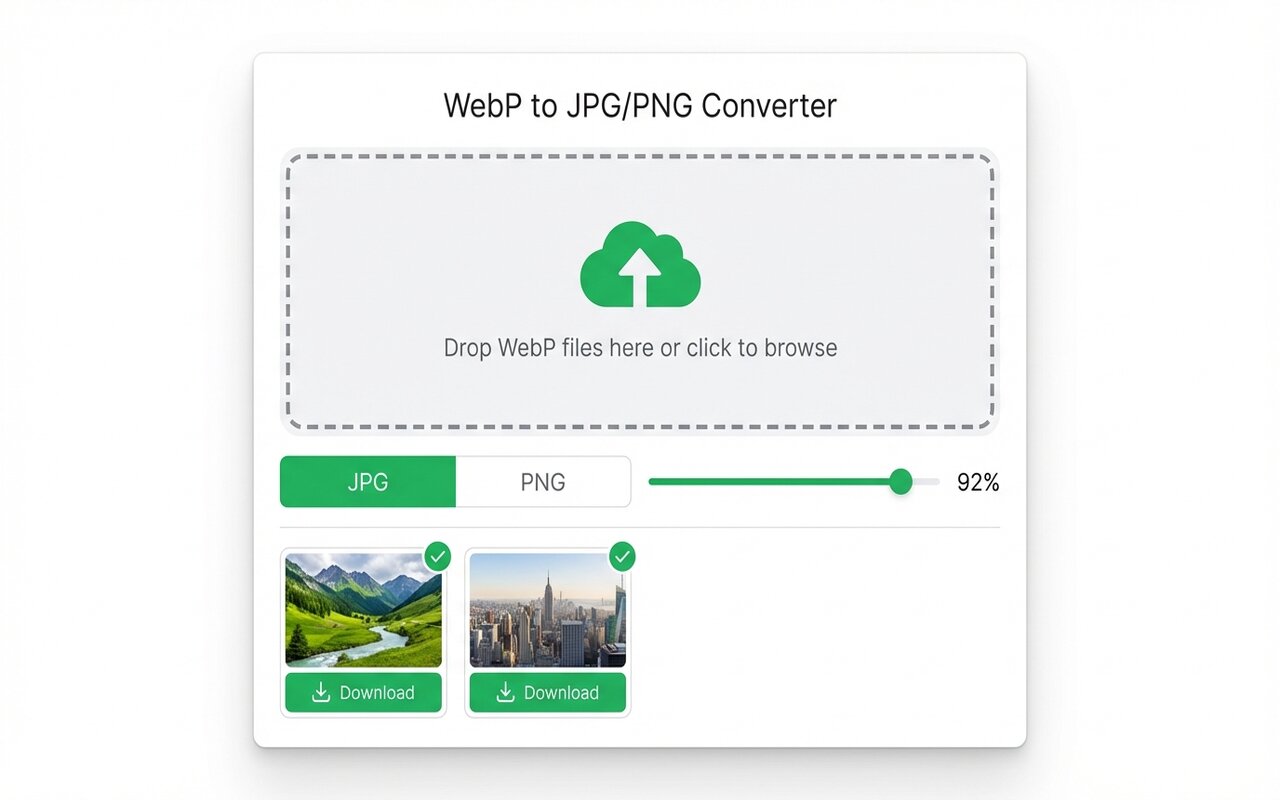
convertwebp.site · WebP to JPG
Drop WebP files here
or click to choose . up to 200 at once
WEBP
banner-hero.webp
Done . 0.9s
WEBP
product-shot.webp
Done . 1.1s
WEBP
icon-pack.webp
82%
3 of 28 converted
0 uploaded
What bulk optimization includes
- Format conversion: WebP to JPG, PNG to WebP, etc.
- Compression: lower quality slightly to reduce file size.
- Batch processing: apply to 50+ images at once.
Workflow for 100+ images
- Organize all WebP images in one folder.
- Open the Chrome extension, drag the entire folder in.
- Set format to JPG, quality to 85 (good balance of size vs quality).
- Click Convert and Download. The extension outputs a ZIP with all 100 optimized files.
Total time: 2-3 minutes. File size reduction: 50-70%.
Advanced: command-line batch optimization
for f in *.webp; do convert \"$f\" -quality 85 \"${f%.webp}.jpg\"; done
This optimizes all WebP files and converts to JPG in a single command.
At-a-glance comparison
| Tool | Batch size | Speed (100 files) | Ease |
|---|---|---|---|
| Chrome extension | Up to 500 | 2-3 min | Very easy |
| ImageMagick | Unlimited | 20 sec | Moderate (CLI) |
| Photoshop Batch | Large | 5-10 min | Moderate |
Frequently asked questions
How much space do I save with bulk optimization?
Converting WebP to JPG quality 85 typically saves 50-70% disk space.
Should I compress all images to quality 75 or lower?
No. Quality 75-85 is the sweet spot. Below 75, artifacts become visible.





