Quick answer
Open the WebP file in Photoshop, then File > Export As, change format to JPG, set quality to 85-90, and save.
Photoshop can open and export WebP files, but the process is not obvious in the menu system.
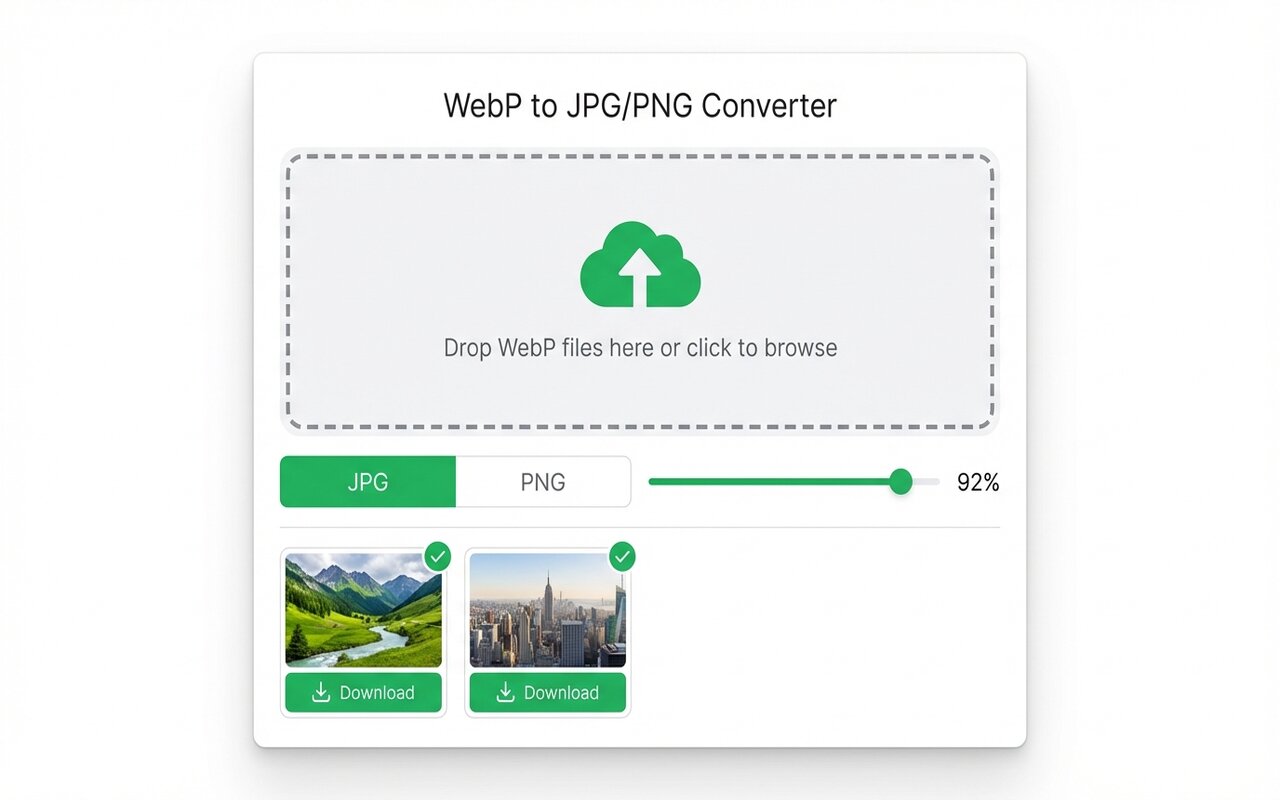
convertwebp.site · WebP to JPG
Drop WebP files here
or click to choose . up to 200 at once
WEBP
banner-hero.webp
Done . 0.9s
WEBP
product-shot.webp
Done . 1.1s
WEBP
icon-pack.webp
82%
3 of 28 converted
0 uploaded
Method 1: Modern Photoshop (2023+)
- File > Open, select your WebP file.
- File > Export As (Shift+Cmd+W on Mac, Shift+Ctrl+W on Windows).
- Change Format dropdown to JPG (JPEG).
- Set quality to 85-90.
- Click Export.
Method 2: Older Photoshop (2019 and earlier)
- File > Open, select WebP.
- File > Export As.
- In the dialog, make sure "Photoshop 2000 and later (*.psd)" is NOT selected.
- Use the dropdown at the bottom to select JPG.
- Click Export, set quality, and confirm.
Batch export in Photoshop
For many WebP files, use File > Automate > Batch:
- Create an Action that opens a WebP file and exports as JPG.
- Go to File > Automate > Batch.
- Select your Action and the source folder of WebP files.
- Set output folder and click OK.
Photoshop processes all files with your Action in sequence.
At-a-glance comparison
| Tool | Quality control | Batch support | Cost |
|---|---|---|---|
| Photoshop | Full control | Yes (Batch) | $55/mo |
| Chrome extension | Good (90-95) | Yes (UI) | Free |
| Preview (Mac) | Good | No | Built-in |
Frequently asked questions
Can older Photoshop versions open WebP?
Photoshop 2021 and later support WebP. Older versions may not.
Is Photoshop necessary to convert WebP?
No. Free tools like the Chrome extension or Preview work fine for simple conversion.
Can I batch convert in Photoshop?
Yes, using File > Automate > Batch with a custom Action.





