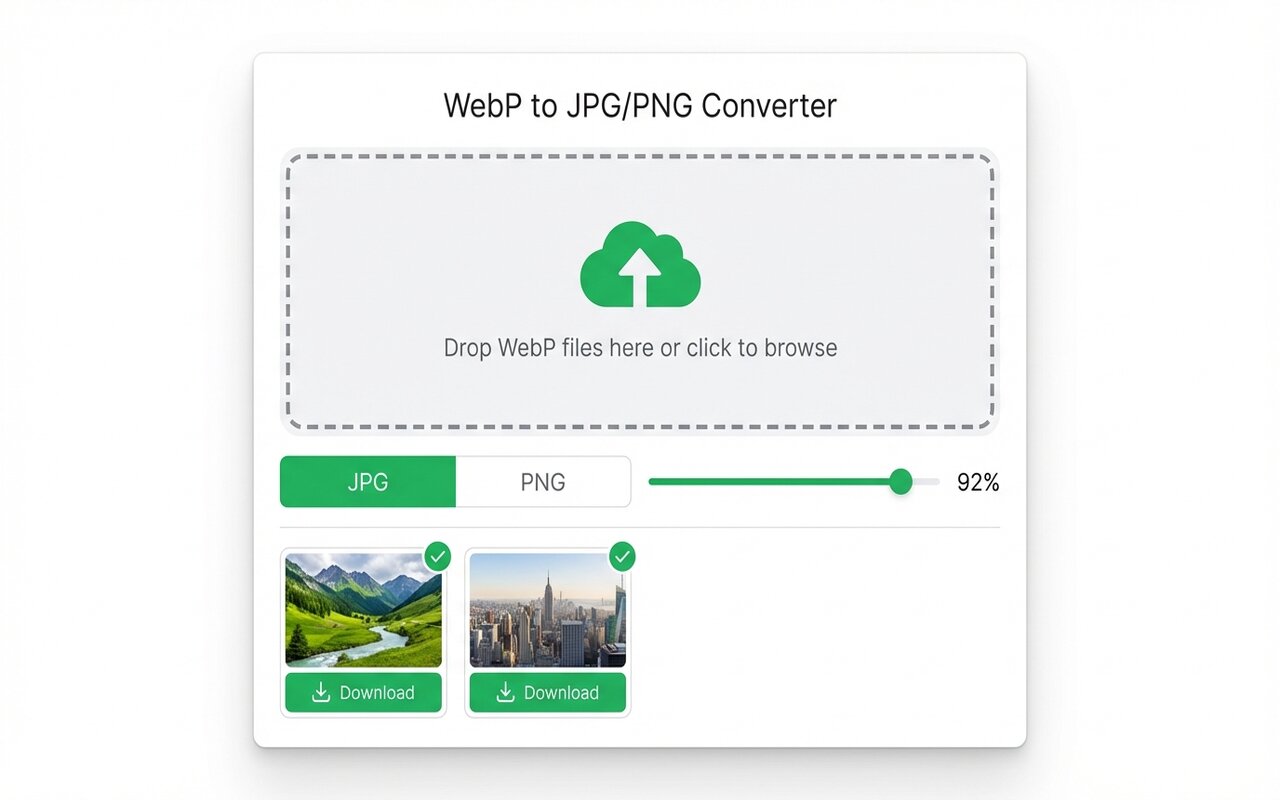
Quick answer
Install the WebP to JPG Chrome extension, then right-click any Pinterest image and select "Save WebP as JPG". The file downloads instantly in JPG format.
Pinterest serves images as WebP, which makes them hard to share and edit. Converting to JPG is quick.
convertwebp.site · WebP to JPG
Drop WebP files here
or click to choose . up to 200 at once
WEBP
banner-hero.webp
Done . 0.9s
WEBP
product-shot.webp
Done . 1.1s
WEBP
icon-pack.webp
82%
3 of 28 converted
0 uploaded
Why Pinterest uses WebP
Pinterest defaults to WebP format to reduce bandwidth and speed up the site. WebP is smaller than JPG, so pins load faster.
Right-click save method
- Install the WebP to JPG Chrome extension.
- Right-click any Pinterest image (pin).
- Select "Save WebP as JPG".
- The JPG downloads to your Downloads folder.
Bulk download from Pinterest
For saving 20+ pins from a board, use Bulk Image Downloader extension combined with the WebP to JPG extension.
At-a-glance comparison
| Method | Speed | Ease | Format |
|---|---|---|---|
| Right-click save (extension) | Instant | Easy | JPG |
| Chrome default right-click | Instant | Easy | WebP (default) |
| Manual download + convert | Slow | Complex | JPG |
Frequently asked questions
Why does Pinterest use WebP?
WebP is smaller than JPG, so pins load faster on slow connections.
Can I save Pinterest images as PNG?
Yes, the extension supports any format. Select PNG in the format dropdown.
Is saving Pinterest images legal?
For personal use, yes. For commercial use or republishing, check the pinner's rights and credits.





