Quick answer
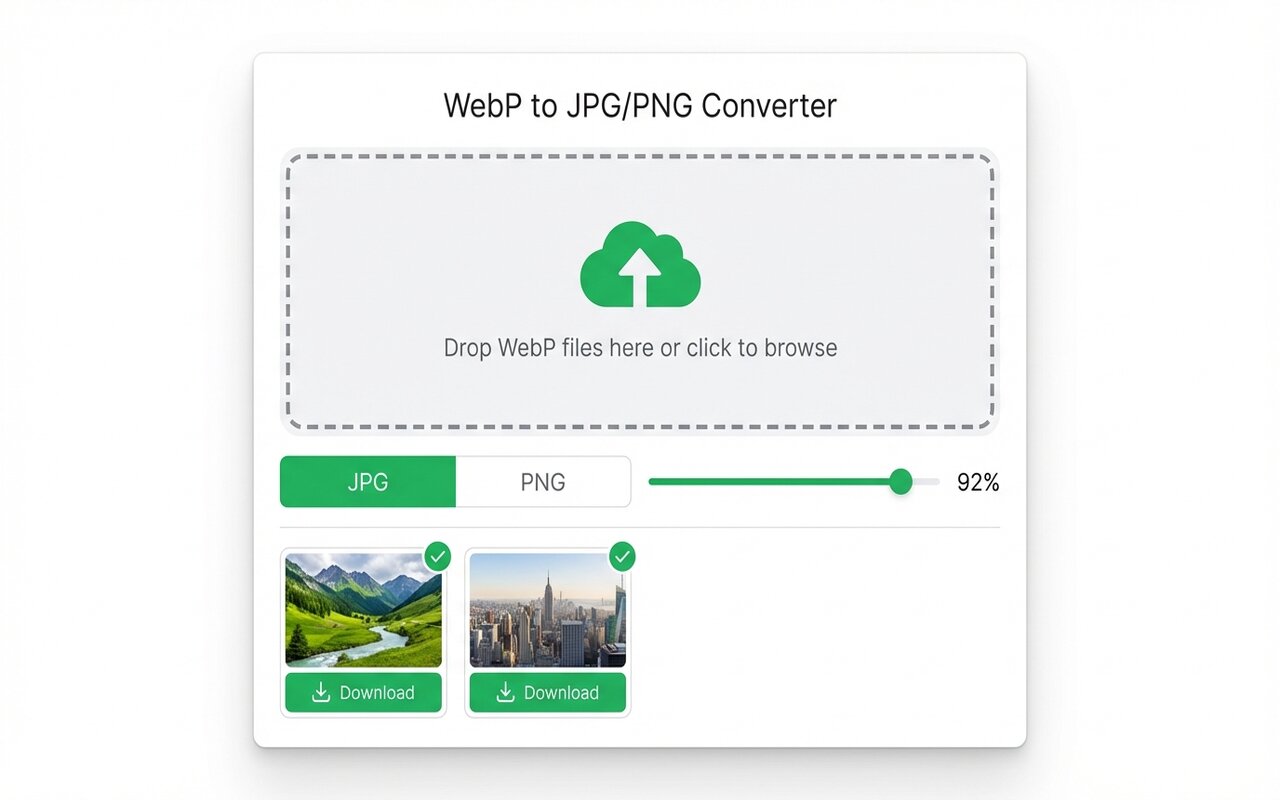
Use the WebP to JPG Chrome extension to convert locally in your browser. Your files never leave your computer. No account, no upload, no watermark.
If your WebP files contain confidential images, medical photos, or anything sensitive, uploading them to CloudConvert or iLoveIMG is a privacy risk. Local conversion in your browser is the only fully private option.
Why upload tools pose a privacy risk
Most free online converters work by:
- You upload your file.
- Their server processes it.
- You download the result.
- The server "deletes" your file after a timeout (usually 1-24 hours).
Problems with this model:
- You cannot verify the file was actually deleted.
- Their server logs may retain metadata (file name, size, upload time, IP address).
- Confidential images (contracts, medical scans, personal photos) are stored on a stranger's server temporarily.
- The server location and privacy laws vary by provider.
For any image you would not email to a stranger, uploading is a bad idea.
Local conversion in the browser: how it works
The WebP to JPG Chrome extension converts entirely on your computer:
- You drop a WebP file into the extension.
- JavaScript libraries decode the WebP and re-encode it as JPG inside your browser tab.
- You download the result directly from your browser cache.
- Close the tab and your working files are gone forever.
Your file never touches any server. The conversion code runs on your machine. This is fundamentally more private than any upload tool.
What happens to your files?
With local conversion:
- During conversion: files live in your browser memory, not on disk, not on any server.
- Downloaded result: lives in your Downloads folder under your control.
- After closing the browser: the temporary conversion data is gone.
- No logs: the extension does not track what you convert, does not record file names, does not phone home.
This is as private as conversion gets.
When upload tools are still acceptable
Upload tools are fine if:
- Your WebP files are public-facing product images you have already published.
- The images contain no personally identifiable information (PII).
- You are comfortable with the provider's privacy policy.
- The file size exceeds browser memory limits (rare).
For everything else, local conversion is safer.
Batch converting sensitive images privately
If you have 50 WebP files with sensitive content:
- Drop them all into the Chrome extension's drop zone at once.
- Set quality and format, then click Convert and Download.
- The extension outputs a ZIP with all 50 converted files.
- Extract the ZIP and delete the original WebP files if you no longer need them.
The entire workflow happens locally. No server sees any of your files.
At-a-glance comparison
| Tool | Files uploaded | Logs kept | Privacy policy | Best for |
|---|---|---|---|---|
| WebP to JPG (extension) | No, local only | No logs | N/A | Sensitive files |
| CloudConvert | Yes | Metadata only (claimed) | Yes, reviewed | Public files |
| iLoveIMG | Yes | Deleted after 1 hour (claimed) | Yes, but unclear | Public files |
| Convertio | Yes | Deleted after 1 hour (claimed) | Yes, Standard ToS | Public files |
| macOS Preview | No, local only | No logs | N/A | Mac users |





